
Nano Banana
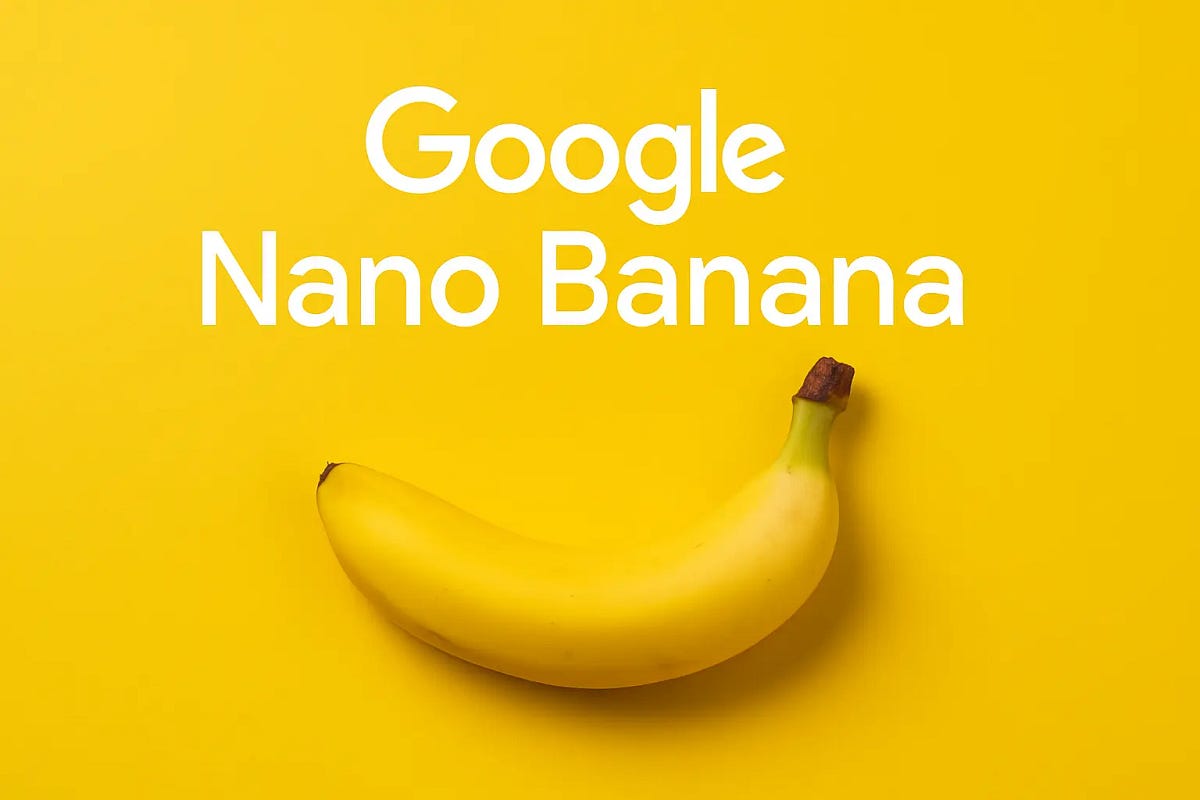
Nano Banana is Google's Gemini image-generation and editing experience for creating visuals, transforming reference images, combining photos, and placing text into designs.
What is Nano Banana?
On this page, Nano Banana refers to the image-generation and editing experience in Gemini. Nano Banana 2 and Nano Banana 2.1 are specific image models presented within that experience, not separate subscriptions. Google's current product page lists Nano Banana 2 as free and Nano Banana 2.1 with a Google AI plan, so the product experience, model version, and plan-based access are distinct.
The experience focuses on practical visual creation rather than a separate standalone editor. Documented capabilities include maintaining a character's appearance, rendering text in images, combining photos, making precise edits, producing 2K images, and using world knowledge for visual work. Google also highlights workflows for creating avatars, changing lighting and camera angles, applying a reference style, resizing a visual for different formats, and creating logos, invitations, posters, and comics.
How does Nano Banana work?
Users provide a natural-language instruction and can use an existing photo or other reference image when the workflow calls for it. Gemini uses the prompt and supplied visual context to generate a new image or transform the source, with follow-up edits for details such as lighting, camera angle, focus, style, aspect ratio, or embedded text.
The result is an image that can be reviewed and refined through additional instructions. The product page distinguishes the free Nano Banana 2 model from Nano Banana 2.1 with a Google AI plan, so the available model, generation limits, and output experience depend on the current plan and regional availability.
Use Cases
- Creating concept visuals, avatars, posters, invitations, logos, and comics from prompts
- Transforming a reference photo by changing its lighting, camera angle, focus, or overall style
- Combining multiple photos into one composed image while keeping important subjects recognizable
- Adding or refining readable text in multilingual designs
- Resizing an existing visual for different formats without cropping away important details
Available Plans & Access
Pricing model: Freemium
| Plan | Price | Billing | Included usage | Notes |
|---|---|---|---|---|
| Free | Free | — | Google's current image-generation page presents Nano Banana 2 image generation and editing as available for free, with limits applying. | — |
| Google AI plan | Paid plan | — | A Google AI plan unlocks Nano Banana 2.1, Google's more advanced image model, with higher generation limits. | — |
Common Limitations
- Plan-dependent access · Nano Banana 2.1 is listed as requiring a Google AI plan, while the page lists Nano Banana 2 image generation and editing as free.
- Availability and limits · Google notes that compatibility and availability vary and that limits apply; access can also depend on country or region.
- Model scope · The page describes image generation and editing workflows. It does not establish that every Gemini feature, export format, or API capability is included in this product surface.
Key Features
- Prompt-based image generation and editing
- Character consistency and reference-image transformation
- Photo compositing and precise visual edits
- Multilingual text rendering in images
- 2K image generation and resizing workflows
Nano Banana vs. GPT Image, Midjourney, and Adobe Firefly
This comparison includes Gemini's image experience, OpenAI's API image-generation offering, and two creative platforms. It uses current official product information and compares documented workflows and access rather than subjective image-quality rankings.
| Tool | Positioning | Key differences | Best fit | Pricing note |
|---|---|---|---|---|
| Nano Banana Official image generation overview Gemini subscriptions | Google's Gemini image-generation and editing experience. | Google highlights prompt-based creation, reference-image transformation, character consistency, photo compositing, precise edits, text rendering, resizing, and a free Nano Banana 2 model alongside the plan-based Nano Banana 2.1 model. | Users who want Gemini-based image creation and iterative edits with reference photos, readable text, and plan-dependent model access. | The official page presents Nano Banana as available for free and lists Nano Banana 2.1 with a Google AI plan; limits and availability apply. |
| GPT Image (OpenAI API) Official image generation guide Official image API and model guide Official API pricing | OpenAI image-generation models for creating and editing images through the Image API or Responses API. | OpenAI documents text-to-image generation and image edits through its APIs. The Responses API also supports multi-turn image refinement within a conversation; this API workflow is distinct from a ChatGPT subscription. | Developers building image-generation or conversational image-editing workflows into an application. | GPT Image API usage has separate token-based image-generation pricing. It is not a ChatGPT subscription price; consult OpenAI's current API pricing page. |
| Midjourney Official Midjourney site Official plans | An independent image and video creation platform. | Midjourney provides its own image and video creation workspace and subscription plans, so it is a separate creative platform rather than a Gemini model surface. | Creators comparing a dedicated image-and-video generation service with a Gemini-integrated workflow. | Midjourney publishes separate Basic, Standard, Pro, and Mega subscription tiers; current prices and included limits should be checked on its official plans page. |
| Adobe Firefly Official Firefly overview Official Firefly plans | Adobe's generative AI creative application for image, video, audio, and design workflows. | Firefly is positioned as a broader Adobe creative application with multiple generative media workflows and Adobe application integration, while Nano Banana's reviewed page centers on Gemini image generation and editing. | Teams and creators already working in Adobe's ecosystem or comparing a multi-medium creative application with a Gemini image workflow. | Adobe lists Firefly plans and generative-credit allowances separately; current regional pricing and credits should be verified on Adobe's official plans page. |
Comparison checked against official product information on 2026-11-03. Features and pricing may change.
Frequently Asked Questions
Is Nano Banana available for free?
Google's current image-generation page presents Nano Banana 2 as available for free, while noting that compatibility, availability, and limits apply. Nano Banana 2.1 is listed with a Google AI plan.
What can Nano Banana edit?
The official page describes edits to lighting, camera angles, focus, style, aspect ratios, and embedded text, as well as workflows that combine reference photos.
Can Nano Banana keep a character consistent?
Yes. Character consistency is listed for both the free Nano Banana 2 model and Nano Banana 2.1 on Google's product page.
Can Nano Banana generate text inside images?
Yes. Google lists text rendering as a model capability and specifically describes creating logos, invitations, posters, and comics with text in many languages.
Is Nano Banana 2.1 included with every Gemini user?
The current product page lists Nano Banana 2.1 as available with a Google AI plan. Access and limits can vary by plan, country, region, and current product availability.
Alternative Tools
-
 GPT Image GPT Image is OpenAI's image generation model family, accessed through ChatGPT or the API. It leads on in-image text rendering and multi-constraint instruction following, but has a documented style ceiling, strict content moderation, token-based API billing that resists simple per-image cost estimates, and a free tier too small for production work.
-
 FLUX FLUX is Black Forest Labs' family of image and video generation models—available via a pay-per-use API, open-weight releases for local deployment, and a free browser Playground. It is the most widely adopted open image model family in 2026, with commercial licensing split by revenue and deployment mode.
-
 Ideogram Ideogram is an AI image generation platform built around text rendering accuracy, with a free weekly credit tier, priority-credit subscriptions from Plus to Team, and per-image API pricing across three quality tiers.
-
 Adobe Firefly Adobe Firefly is a generative AI platform built around commercially safe, licensed training data and deep integration with Adobe’s creative applications, offering image, video, audio, and partner-model generation through a credit-based subscription system.
-
 Canva Canva is a template-driven visual design platform whose AI layer—Canva AI 2.0—is a paid-plan feature for conversational editing inside the design editor, metered by a pooled monthly allowance that Free users can access only in a limited, earlier-generation form.
-
 Figma Figma is a browser-based collaborative interface design platform with a free tier that caps team files at 3 per file type and a seat-based pricing model where Full, Dev, and Collab seats carry different costs and AI credit allowances.